A location map that shows people the way
A location map shows at a glance where you are — on your contact page, in an invitation, or alongside directions. With localthings you build one without code in your own branding, including a button that opens the map app on the visitor's phone.
How it works
- 1
Put your location on the map
Type your address in — or import several locations at once from a CSV, for example with nearby parking included.
- 2
Make it recognisable
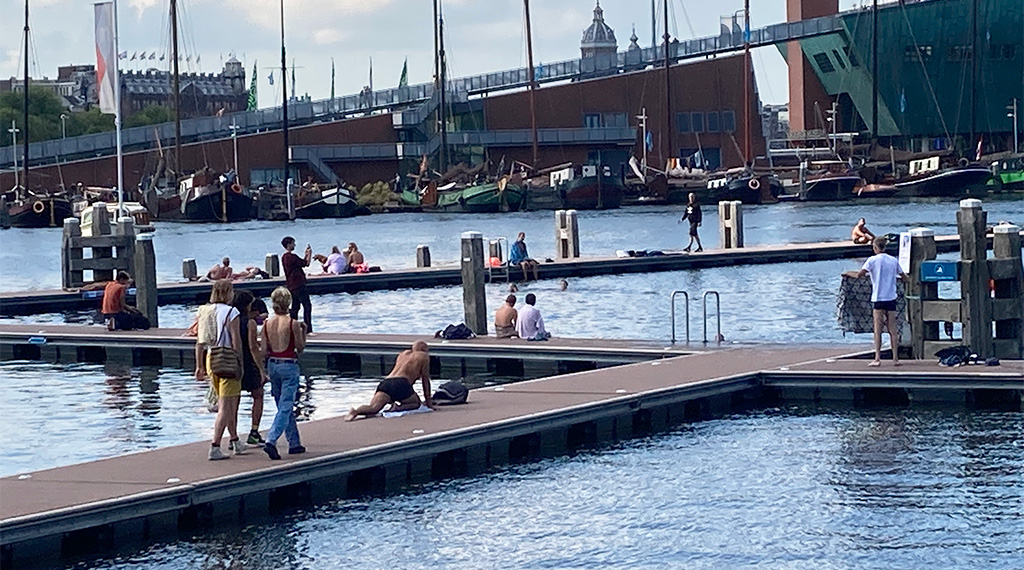
Pick a map style, your own colours and logo, and add an explanation or a photo per location.
- 3
Share or embed
Embed the location map on your contact or directions page, or share it with a link or a QR code.
jouwwebsite.nl/kaart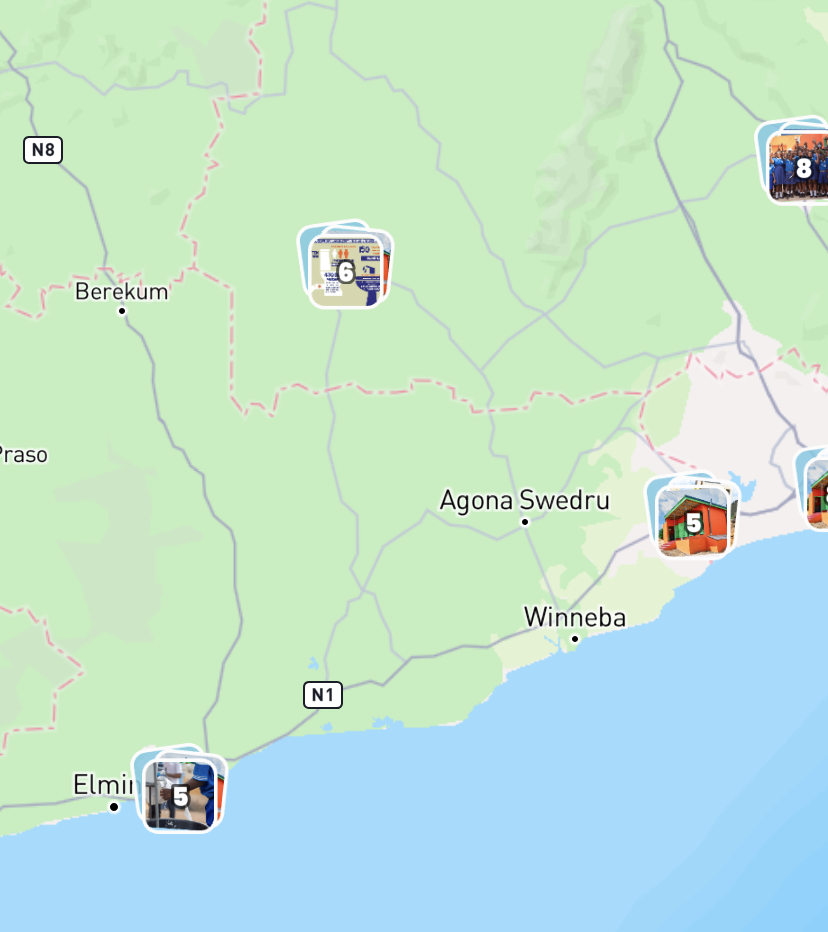

Build this yourself in Studio
Studio opens straight in your browser. You only need an account once you want to save or publish your map.
What you get
- Directions button that opens the phone's map app
- Your own branding, logo and map style
- Embeddable on your contact or directions page
- One location or a whole list from CSV
Also useful: a location map for your wedding · a store locator for all your branches
Frequently asked questions
How is this different from an ordinary embedded map?
A standard embedded map shows a pin and nothing else. A localthings location map carries your branding, an explanation and photos per location and a directions button — and you update it centrally without touching the embed.
Can I put several locations on one location map?
Yes. Add as many as you like — useful for branches, or for parking spots and entrances around your venue.
Can I make a location map for free?
Yes. You start free with one map and up to 100 locations, including every map style and your own branding.