Create a map from a list of addresses
Branches, stockists, meeting points, project sites — if you have the addresses, you can have the map. Import the list once and every address becomes a pin that visitors can filter, search and open for details.
How it works
- 1
Bring your list
Upload a CSV or Excel file, or add the addresses one at a time in the builder. Each location can carry a name, description, photo, website, phone number and opening hours.
- 2
Group them into categories
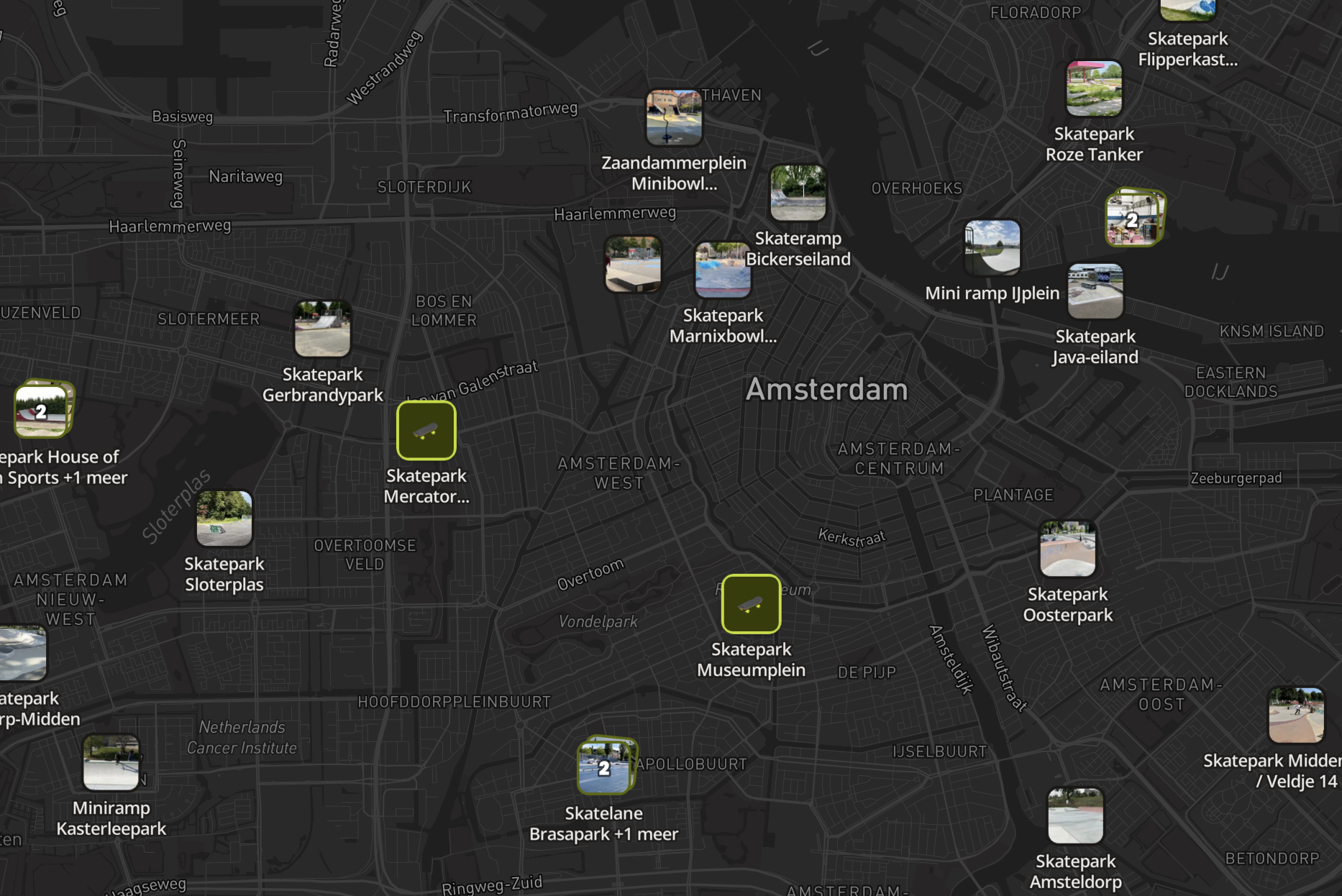
Categories are what make a map readable: give each one a colour and an icon, and visitors get filters instead of a wall of identical pins.
localthings.nl/atlas/jouw-kaart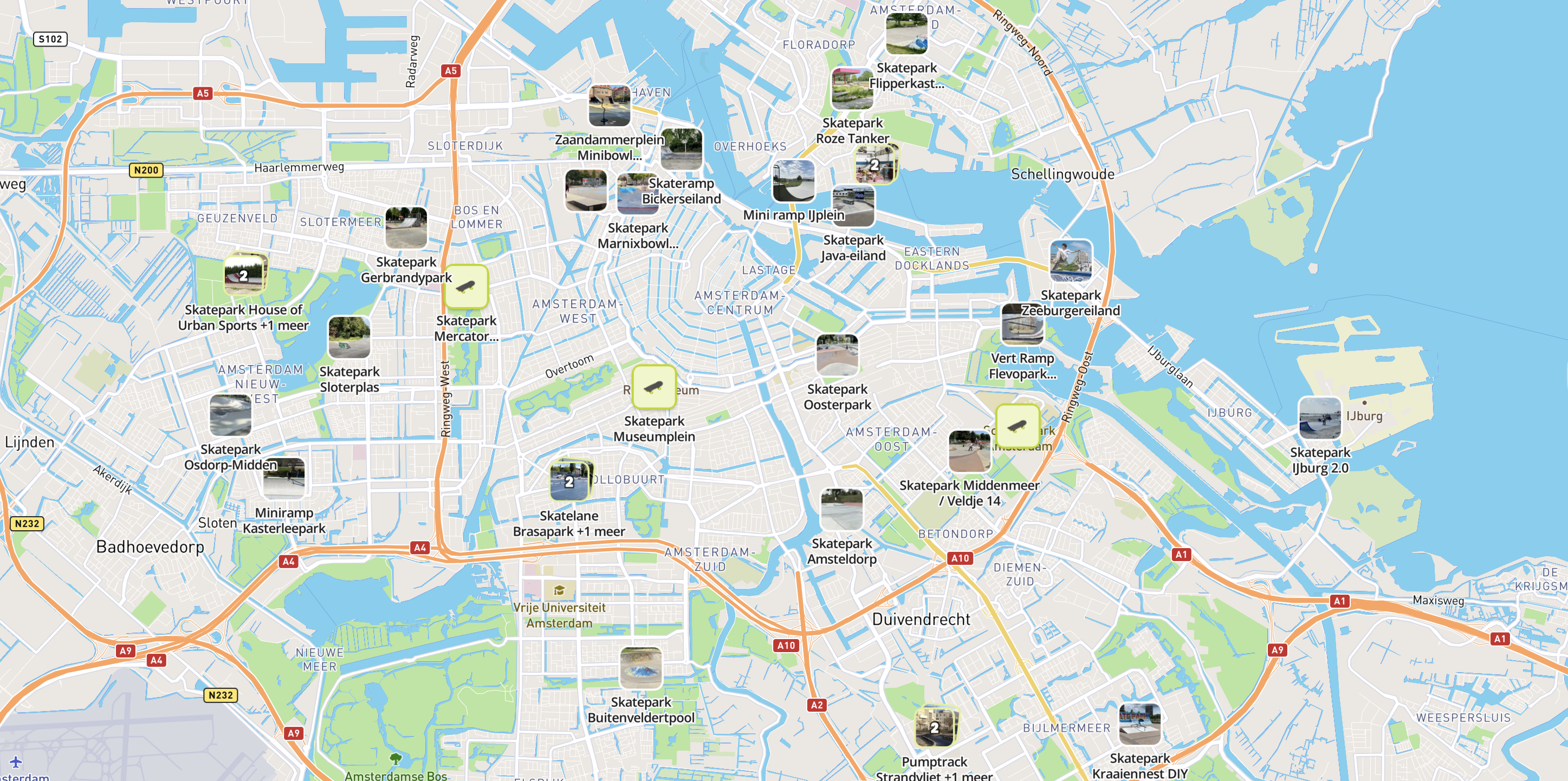
- 3
Share or embed
Publish to a link you can share anywhere, or paste the embed code into your own website so the map lives on your page.
jouwwebsite.nl/kaart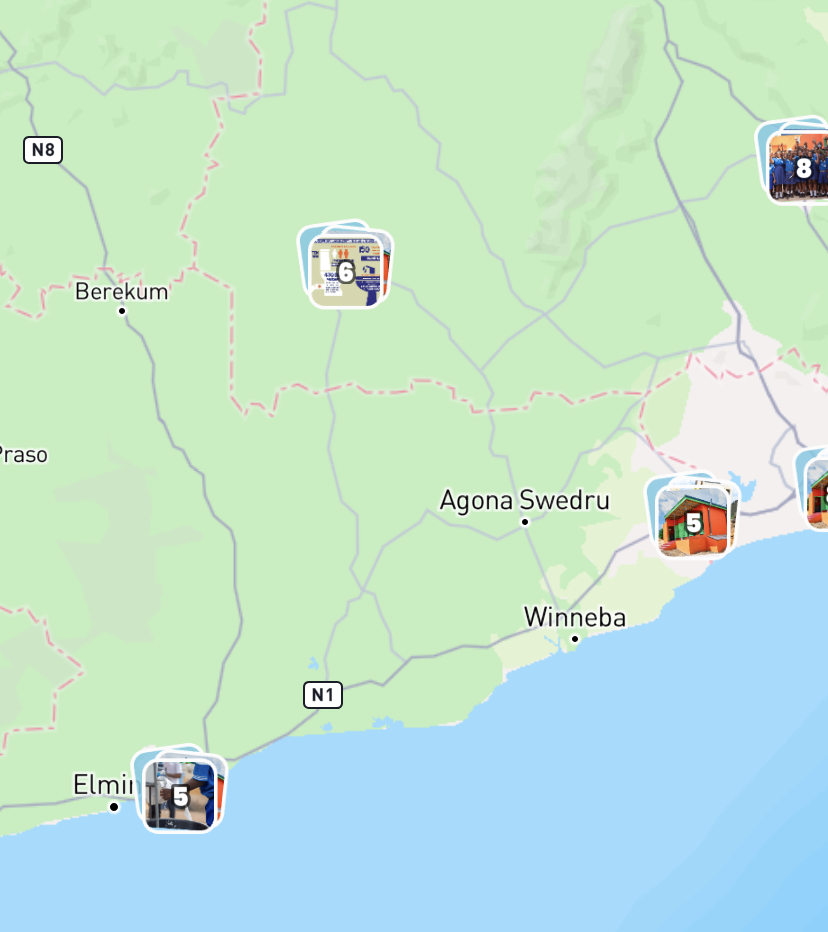
Build this yourself in Studio
Studio opens straight in your browser. You only need an account once you want to save or publish your map.
What you get
- Addresses geocoded automatically
- Rich location cards with photos, links and opening hours
- Your own colours, logo and choice of map style
- Embed on your own site or share a link
Frequently asked questions
How many addresses can I put on one map?
The free plan covers one map with up to 100 locations. Paid plans raise that limit considerably — see the pricing page for the exact numbers per plan.
Do I need to write any code?
No. The whole map is built in the browser. The only code involved is the embed snippet you paste into your own site, and that is copy-and-paste.